Andrew Bayer & Matt Lange feat. Kerry Leva - In & Out Of Phase (Norin & Rad Remix)
Spotted @ #411 Trance Around The World with Above & Beyond
Spotted @ #411 Trance Around The World with Above & Beyond

I had some issues installing Eclipse PDT on Ubuntu Maverick 10.10. Finally, the solution could be found here: https://help.ubuntu.com/community/EclipsePDT
From Synaptic Package Manager and Update Site
NOTE: On Ubuntu 10.10 this method will install Eclipse 3.5 (Galileo) and PDT 2.1.
* Open Synaptic Package Manager (System->Administration->Synaptic Package Manager)
* Find the package "eclipse" and mark it for installation
* Click Apply
* Open Eclipse and specify your workspace (Applications->Programming->Eclipse)
* Help->Install New Software
* Select the Galileo Update site
* Select the PHP Development Tools (PDT) Feature
* Install...
BUT! ... you have to know that you need to run Eclipse as root for the second part of the installation. If you don't do it, you will not get an error. You will just not be able to access PDT features :-( ...
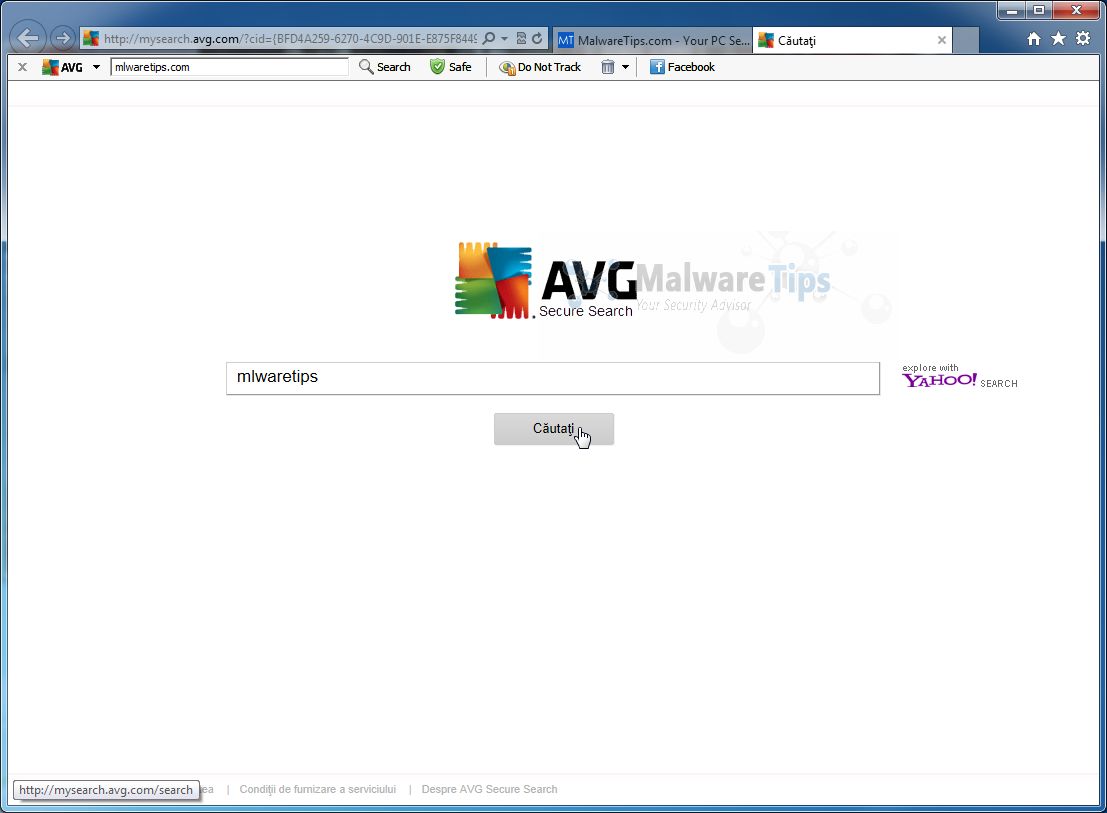
If you want disable the AVG Search in address-bar, please follow these steps:
1) Type in address-bar about:config and press Enter
2) Confirm warning dialog
3) Find keyword.URL (you can use Filter)
4) Change value of keyword.URL to:
http://www.google.com/search?ie=UTF-8&oe=utf-8&q=

I was receiving this error after an upgrade of iTunes to version 10.5.0.142. This error always popped up after the boot process of my Windows 7 (64bit) machine.
I had to Google some pages, but finally, I came to this solution: https://discussions.apple.com/message/15723230#15723230.
You need to copy:
C:\Program Files (x86)\Common Files\Apple\Apple Application Support\SQLite3.dll
... to ...
C:\Program Files (x86)\Common Files\Apple\Mobile Device Support\SQLite3.dll

We are currently using Backup Exec on our SBS 2008 server to backup our data, but we had problems starting up the Backup Exec Job Engine service after a reboot of the server.
Service Control Manager: Event Details:

-----------------------------------------

The Backup Exec Job Engine service depends on the Backup Exec Server service which failed to start because of the following error: The dependency service or group failed to start.
So Job Engine is waiting for Backup Exec Server which is still starting. It needs to wait for the Server service, before it should startup!
In the services.msc console, we delayed the start of the Job Engine service by changing the Startup Type from "Automatic" to "Automatic (Delayed Start)". This fixed our problem!

To find your Mac address you need to type in the following code from your E71's homescreen:
*#62209526#
If you have a Samba share, and the Samba share has some symlinks to other folders, then you will not be able to access those "symlink folders" with a basic Samba setup.
If you do want to access the folder, you need to add this to the #### Networking #### section of your /etc/samba/smb.conf file:
wide links = yes
unix extensions = no
Restart your Samba daemon:
$ sudo service smbd restart
... and you're done! :-)
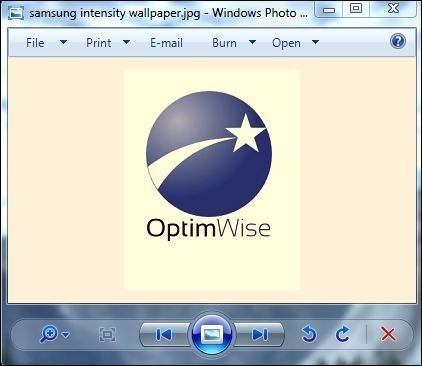 When displaying and viewing photos in Windows Photo Gallery, my Samsung Syncmaster display has a strange problem in which the images will be shown with a orange or yellowish tinge in photos’ background, affecting the display natural color of pictures to become something like Sepia effect.
The symptom is likely to occur after update of incompatible monitor driver, especially on Samsung LCD flat panel monitor driver update via Windows Update. The cause for the error is the usage of incorrect color profile for the monitor in Color Management setting.
To solve the problem and restore normal colors in Windows Photo Gallery, you can try the resolution below:
I came across this problem today. This link guided me to the solution: http://windows.microsoft.com/en-US/windows7/windows-7-windows-server-20…
If you receive error "0x800F0A12" when trying to install Service Pack 1 (SP1) for Windows 7 or Windows Server 2008 R2, it means the SP1 installer can’t access the Windows system partition (sometimes called a volume) of your computer’s hard disk to update files.
Follow the instructions below to get more information about the error. Then, expand the section in this topic that corresponds to the message you receive and follow the instructions.
I was receiving this error:
Error reads "The boot configuration data store could not be opened. The system cannot find the file specified."
Following the correct instructions, made me fix the update problem of SP1! Great support by Microsoft!
Commercieel, maar wel leuk dance nummer :-). Zomers gevoel! Gespot via MNM!