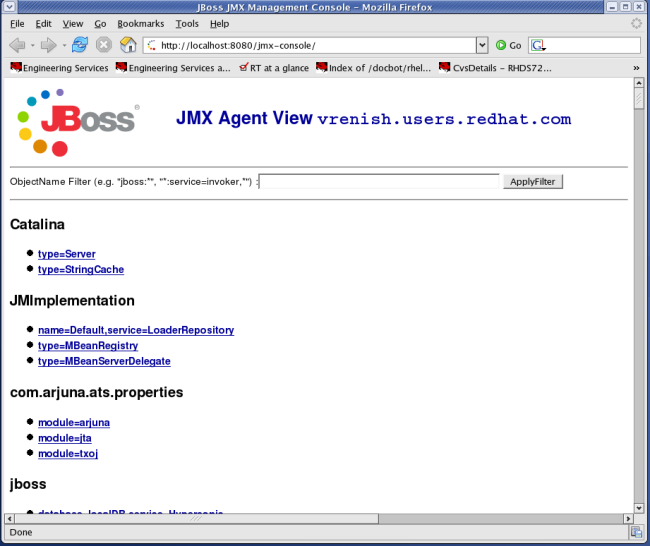
If you want to create a heapdump from your application running in a JBoss AS 6.X J2EE container, you can easily perform the dump operation by some MBean in the JMX console.
- Browse to: http://localhost:8080/jmx-console/
- Search for com.sun.management and click on type=HotSpotDiagnostic
- Scroll to the bottom of the page and provide the parameter /tmp/heap.dump in the textfield p0, which is actually the location to which the dump will be written. If you want to perform a garbage collection before dumping, leave p1 on value true
- Push the button Invoke. A dump file will be available at /tmp/heap.dump. This file can easily be viewed by a tool like Java VisualVM
Also, remember that you can easily create a heap dump automatically when JBoss is going OutOfMemory. Just add the following Java arguments in your run.conf file
-XX:+HeapDumpOnOutOfMemoryError -XX:HeapDumpPath=/tmp/heap.dump
Add new comment