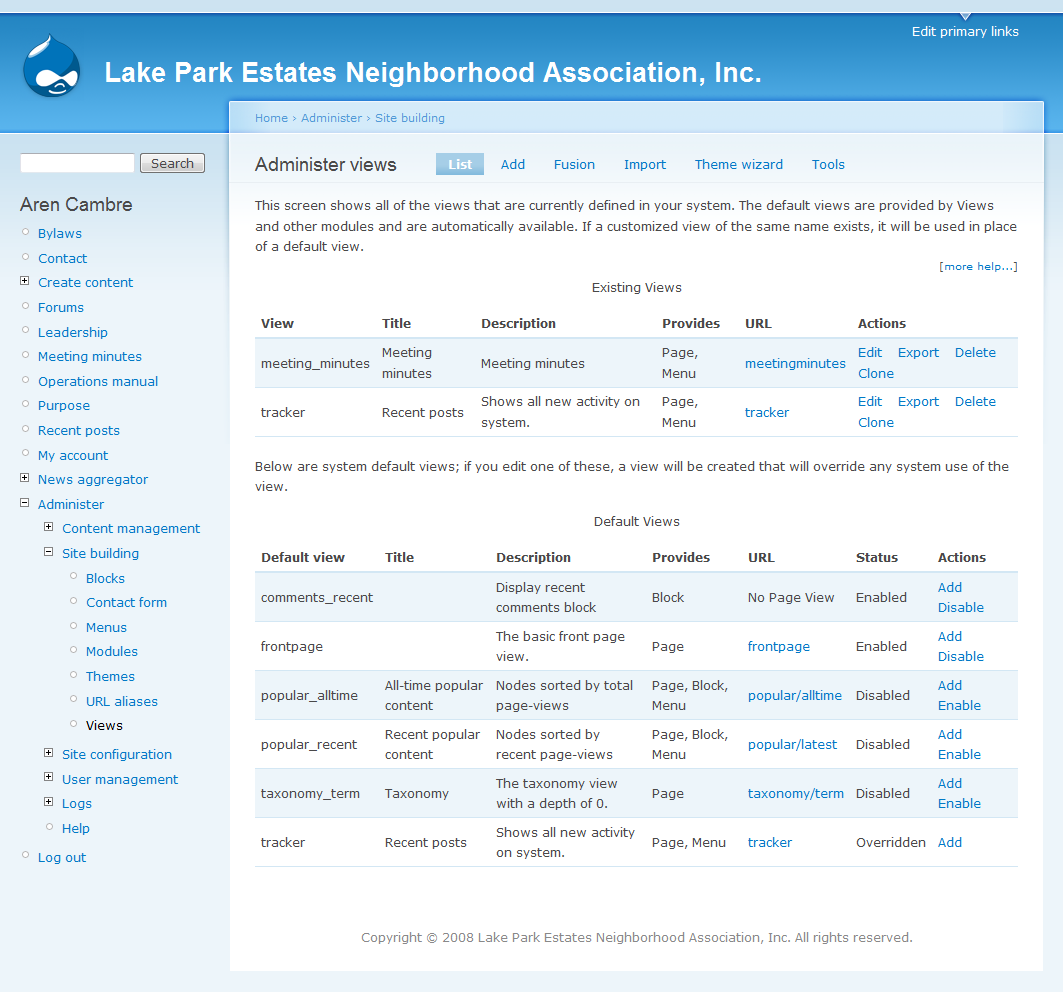
 The Views module provides a flexible method for Drupal site designers to control how lists and tables of content (nodes in Views 1, almost anything in Views 2) are presented. Traditionally, Drupal has hard-coded most of this, particularly in how taxonomy and tracker lists are formatted.
This tool is essentially a smart query builder that, given enough information, can build the proper query, execute it, and display the results. It has four modes, plus a special mode, and provides an impressive amount of functionality from these modes.
Among other things, Views can be used to generate reports, create summaries, and display collections of images and other content.
Source: http://drupal.org/project/views
Describing the problem ...
At first, we created views using the Drupal UI interface. And then, to move to the PROD server, we re-executed the steps on the PROD Drupal server. This wasn't very nice for 2 reasons:
- losing time to re-execute steps
- no control of what changes are made in the view (and by who ...?)
... providing a solution
I found 2 possible solutions:
- Features (http://drupal.org/project/features: The features module enables the capture and management of features in Drupal. A feature is a collection of Drupal entities which taken together satisfy a certain use-case. Features provides a UI and API for taking different site building components from modules with exportables and bundling them together in a single feature module. A feature module is like any other Drupal module except that it declares its components (e.g. views, contexts, CCK fields, etc.) in its .info file so that it can be checked, updated, or reverted programmatically.
I really love this Drupal module, but the problem is: all your views are bundled into a seperate module. So when you create a new custom module ABC, and you create a view for module ABC, you're not able to store the code into the codebase of module ABC. Features is still in beta phase, so not sure if we can trust on a stable working version ... - Working with hook_views_default_views(). This hook is provided in the views module. This hook allows modules to provide their own views which can either be used as-is or as a "starter" for users to build from. This hook should be placed in MODULENAME.views_default.inc and it will be auto-loaded. This must either be in the same directory as the .module file or in a subdirectory named 'includes'..
It seems very nice, and it is. So what do you have to do:- export your view using the Drupal UI
- insert the code in the .inc file
- ... now, for me, the view wasn't loaded for me. We had to do something extra, which isn't described in the documentation. You have to activate the hook by entering this code in your .module file:
/**
 * This function is needed to automatically load the views_default.inc file
 * It specifies the "views" api version. Default path is set to the modules' root directory
 */
function ##module_name##_views_api() {
  return array(
    'api' => 2
  );
}
There's an extra variable, which makes it possible to change the path where all includes are stored. Default is root, but "path" makes it possible to change :-)
Add new comment