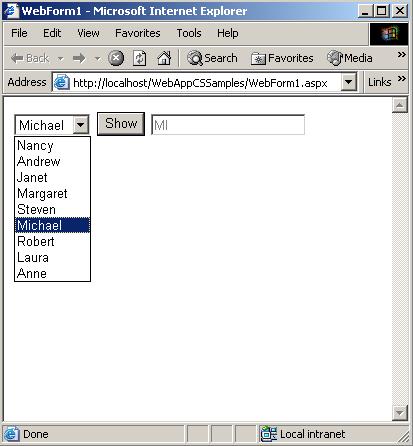
Everybody knows the dropdownbox. You can see it in the image at the left of your screen. It's very easy to create it with Seam:
<h:selectOneMenu value="#{criteria.name}" id="name">
    <s:selectItems var="name"
        value="#{nameManager.getNames()}"
        label="#{messages[nameManager.getKey(name)]}"/>
    <s:convertEnum />
</h:selectOneMenu>
The class NameManager has a method getNames() which returns a a list of enums. The s:convertEnum tag will convert the enum to a text based String. The label attributes is used to translate the name in the correct language (with help of the getKey() method of course, which will return a String).
Now, my problem was that there was a default label (the empty String), and I wanted to be one of the select items to be selected by default.
Easy said, easy done. In your backend, make sure #{criteria.name} is initialized to an enum which holds the default value.
So with this change, one of the select items was selected by default. The problem was: the empty label was STILL there!
After doing some research, I noticed I had to specify the hideNoSelectionLabel : true.
So my code would look like:
<h:selectOneMenu value="#{criteria.name}" id="name">
    <s:selectItems var="name"
        value="#{nameManager.getNames()}"
        label="#{messages[nameManager.getKey(name)]}"
        hideNoSelectionLabel="true"/>
    <s:convertEnum />
</h:selectOneMenu>
... but still, the no selection label was visible :-). The final trick I had to do, was to specify the h:selectOneMenu to required
<h:selectOneMenu value="#{criteria.name}" id="name" required="true">
    <s:selectItems var="name"
        value="#{nameManager.getNames()}"
        label="#{messages[nameManager.getKey(name)]}"
        hideNoSelectionLabel="true"/>
     <s:convertEnum />
</h:selectOneMenu>
Problem solved :-) !
Add new comment